Google Ads Landing Page Images: Visibility, Speed, and SEO Checklist
Learn how landing page images affect paid traffic performance through speed, clarity, trust, mobile UX, alt text, and SEO-friendly optimization.
Images can help or hurt paid traffic
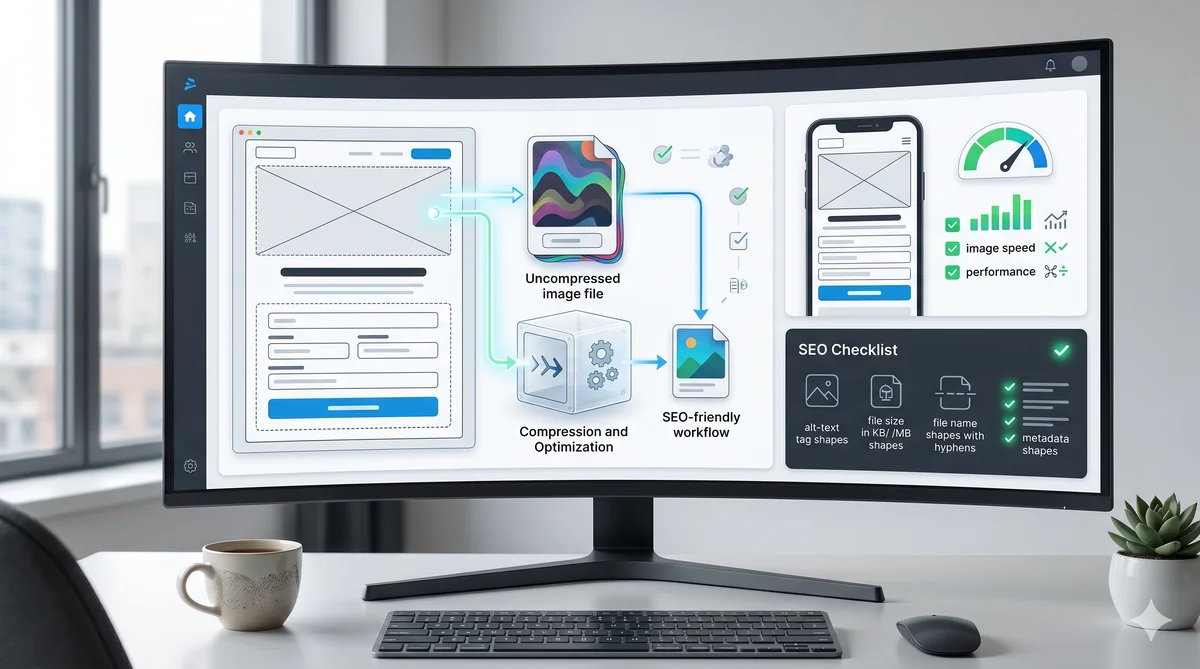
Images on a Google Ads landing pages do more than make the page look polished. They affect speed, trust, clarity, and how quickly a visitor understands the offer. The wrong image can slow the page and distract from the CTA. The right image can make the value obvious before the visitor reads every word.
For PPC, image quality is not only about design. It is about conversion efficiency.
Use images that explain the offer
Avoid generic visuals when the visitor needs to evaluate a specific service. A SaaS landing pages can show a product interface, workflow, report, or dashboard. An agency audit page can show a checklist, annotated landing page, or campaign review process. A service business can show real work, staff, location, or before-after context.
Ask one question: does this image help the visitor decide? If not, it may be decoration, and decoration should not slow paid traffic.
Optimize file size before launch
Large images are one of the easiest ways to damage landing page performance. Use WebP, resize images to the actual display need, and avoid uploading huge originals. A hero image rarely needs to be wider than 1200 to 1600 pixels for a landing page layout.
When you upload a blog or landing page image through Axerto admin, the image is converted to WebP and resized. Still, choose a clean source image and avoid unnecessary text inside the image.
Write alt text for context
Alt text should describe the image in a useful way. It is not a place to repeat keywords mechanically. Good alt text connects the image to the topic.
Weak: image 1.
Too stuffed: google ads landing page images visibility google ads image seo landing page.
Better: Google Ads landing page audit checklist showing image, form, and CTA review points.
Use filenames that make sense
Before upload, use descriptive filenames when possible. After processing, the final file should still relate to the page slug, title, or target keyword. SEO-friendly filenames do not guarantee rankings, but they create cleaner context and better asset management.
Check mobile visibility
An image that looks clear on desktop can become useless on mobile. Check whether important text inside the image becomes unreadable. If the image contains a chart, dashboard, or screenshot, consider a simplified crop for mobile.
Do not let the image push the CTA too far down the page. For lead generation, clarity and form access matter more than a dramatic visual.
Add trust with real visuals
If you have authentic screenshots, reports, team photos, or customer examples, they often outperform generic AI or stock visuals. If you use AI images, make them specific to the workflow and avoid unrealistic promises.
For agencies, a useful image can show a landing page audit framework: message match, speed, form friction, proof, CTA, and tracking.
Final image checklist
- The image explains the offer or supports trust.
- The file is WebP or another compressed modern format.
- Width is not larger than the layout needs.
- Alt text is descriptive and natural.
- The image does not hide the CTA on mobile.
- Important text inside the image remains readable.
- The visual supports the same promise as the ad and headline.
Images should make the page easier to understand. If they slow the page or distract from the next step, they are working against the campaign.
Build high-converting landing pages in seconds
Axerto generates complete landing pages from your Google Ads campaigns with AI.
Try Axerto Free